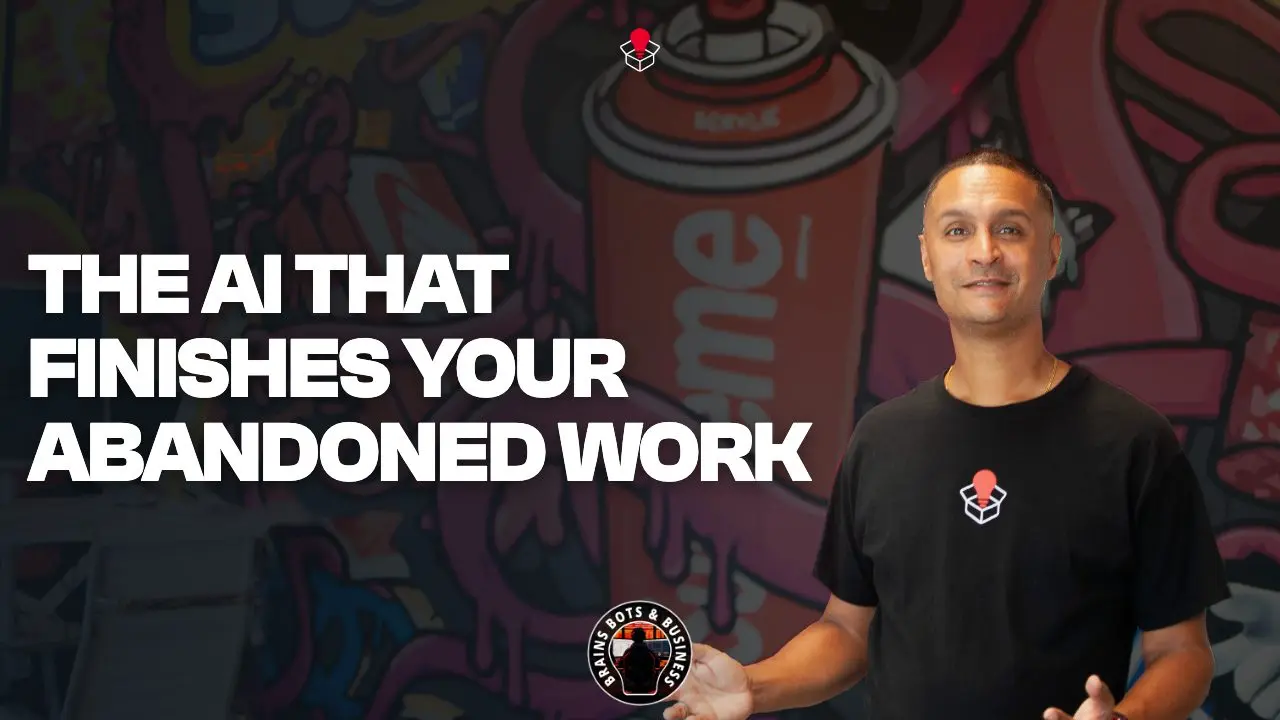
Computer History is an opt-in feature in the ChatGPT Mac app that keeps a record of your activity, so you can ask it where you left off, and so it can suggest automations from work you repeat. That's the subject of Episode 155 of Brains Bots and Business, "The AI That Finishes Your Abandoned Work (ChatGPT Computer History)". As of August 2026, Sandeep sees it as a fix for context switching. It also records a lot about how you work, so decide your team's approach before anyone turns it on.
Key takeaways
- It's off unless you opt in.
- You can ask it things like "What was I working on before my break?" or "Where is that proposal doc I was looking at this morning?" As the episode describes it, it can also pick up abandoned tasks.
- It records a lot about how you work, so decide your team's rule first. Availability depends on your plan and region, so check yours.
What is ChatGPT Computer History?
Per the episode, Computer History is a feature of the ChatGPT Mac desktop app. Once you opt in, it runs in the background and records your activity across your apps and websites. Sandeep acknowledges that is a lot to hand over, which is why the opt-in matters.
OpenAI describes it more narrowly: it records interaction events such as clicks, typing and switching between apps, rather than your screen. Check OpenAI's own description of what it records before you decide.
How can it help with context switching?
Sandeep's picture of a business owner's or marketing manager's day: you start a proposal, get pulled into a fire drill, and come back having lost your train of thought. Context switching, in his view, eats your productivity.
With Computer History on, the episode says you can ask:
- "Where is that proposal doc I was looking at this morning?"
- "What was I working on before my break?"
It also learns your recurring patterns and can suggest automations based on how you work.
Can it really finish your abandoned work?
That's the episode's description: it notices abandoned workflows and can pick them up for you. Treat it as the episode's claim, not a guarantee. What we can say more safely is that it can notice repeated workflows and suggest turning them into automations. We wouldn't plan around it completing tasks on its own while you're away.
What are the privacy trade-offs?
It's strictly opt-in in the episode's account. OpenAI lists controls to match: choose which apps and websites contribute, pause the recording, and review and delete what's been kept. It also says Business and Enterprise workspaces need an administrator to grant access.
Even so, clicks and keystrokes are sensitive. Set a team rule first, before staff switch it on. Does Your Company Have an AI Policy? is where to start, and The Hidden Risk of "Shadow AI" in Your Sales Team covers staff using tools without one.
FAQ
What is ChatGPT Computer History?
Per the episode, an opt-in feature of the ChatGPT Mac desktop app that records your activity across apps and websites, so you can ask it what you were working on and where things are.
Is Computer History on by default?
No. It's opt-in.
Who can use it?
As of August 2026, it's available on some plans and regions. Check yours.
Related Links
- Watch the episode on YouTube
- Does Your Company Have an AI Policy?
- The Hidden Risk of "Shadow AI" in Your Sales Team
- The Executive Email Trap and AI Auto-Drafts
- ChatGPT Search: Stop Losing Your Best Ideas
- GPT-5.6 for Business: Luna, Terra, Sol
Brains Bots and Business is where Sandeep shows you how to actually use AI to grow your company.
Sandbox Media is a marketing and AI agency in Milton, Ontario, serving businesses across the GTA and Canada.