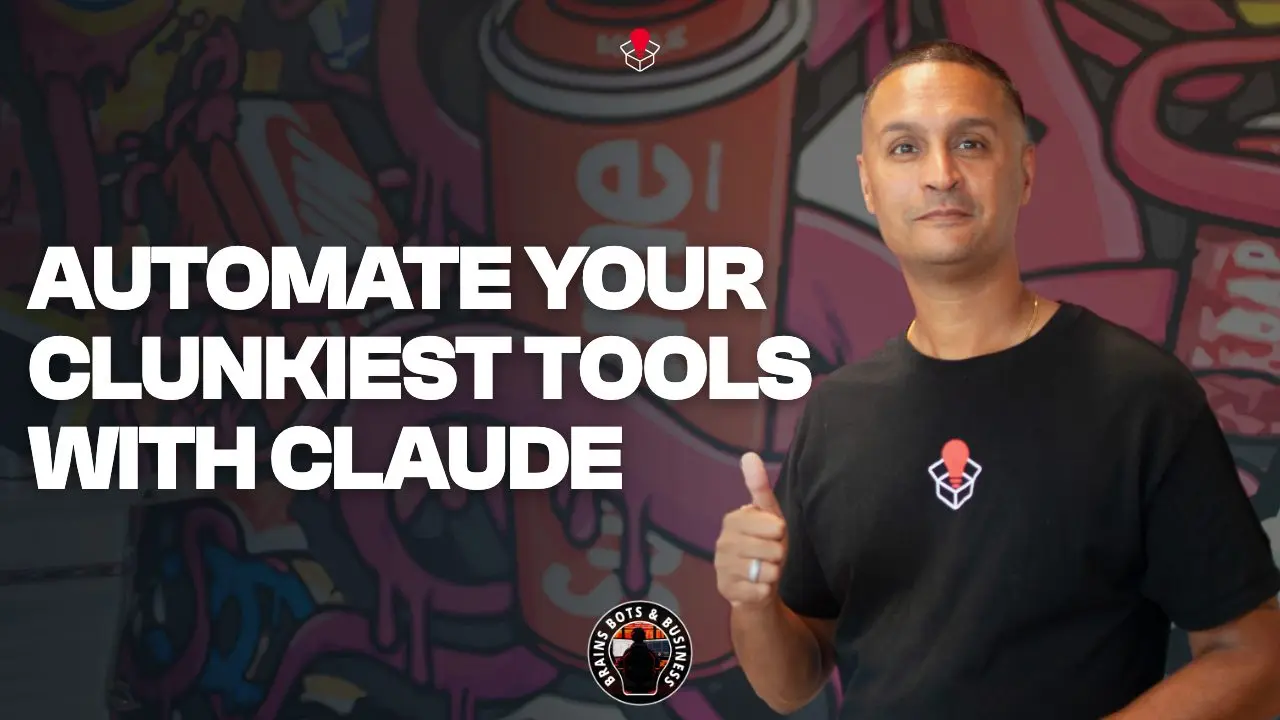
For old web tools with no API or AI connector, Claude's Chrome side panel can click, type and fill in forms for you, working through the logins already open in your browser. That's the idea in Episode 154 of Brains Bots and Business, "How to Automate Your Clunkiest Marketing Tools with Claude". As of August 2026, Sandeep's point is that you may not have to choose between manual data entry and replacing the software.
Key takeaways
- Anthropic has brought Claude Cowork into Chrome's side panel.
- Claude can "see" the page you're on and act on it: click buttons, type text, extract data and fill out forms.
- Access varies by plan, so check yours. Start with a low-stakes task.
What is the Claude Cowork Chrome extension?
Every business owner knows the pain, in Sandeep's telling. You're trying to automate, but not every tool you rely on is cutting-edge. You have niche industry dashboards, legacy CRMs and clunky vendor portals that haven't been updated in a decade. They have no APIs and no AI connectors, so your team ends up doing manual point-and-click work.
As of August 2026, Anthropic has brought Claude Cowork directly into the Google Chrome side panel. This isn't only a chatbot sitting next to your tabs. In the episode's description, Claude can "see" the web page you're on, and it can act on it: click buttons, type text, extract data and fill out forms, all while working through your existing logins. It's available on some plans, so check yours.
Which tools is it good for?
The ones that refuse to integrate: niche industry dashboards, legacy CRMs and vendor portals with no API or AI connector.
As an example of how you might use it, you could ask Claude to pull data from a portal and enter it into a form. How well that works will depend on the portal, so try it on one task before you rely on it.
What should you watch for?
Start small. The episode describes Claude working through your existing logins, which means it is acting inside systems you're signed into. Pick a low-stakes task first, and check what Claude did before you trust it with more.
Anthropic warns that browser-using AIs face prompt injection, where hidden instructions on a website, email or document try to trick the AI into harmful actions. Its help article asks users to report suspected prompt injection, and lists financial services and banking sites among the categories Claude blocks by default.
Where does it fit with the rest of your automation?
In the episode's view, your core marketing and sales engines belong in purpose-built automation, and Claude in Chrome is for the awkward tools that won't connect. It turns repeated manual clicking into something you can hand off. You may not need to hire a developer or migrate to new software to get the efficiency of AI on your oldest tools.
For the governance side of AI acting in your accounts, read The Hidden Risk of Shadow AI in Your Sales Team. On supervising an agent, see The Danger of "YOLO Mode".
FAQ
What is Claude Cowork in Chrome?
As of August 2026, Anthropic has brought Claude Cowork into Chrome's side panel. Per the episode, Claude can "see" the page you're on and act on it: click buttons, type text, extract data and fill out forms.
What kinds of software is it for?
Per the episode, tools that don't connect to anything else: niche industry dashboards, legacy CRMs and vendor portals with no API or AI connector. Availability depends on your plan.
Related Links
- Watch the episode on YouTube
- The Hidden Risk of Shadow AI in Your Sales Team
- The Danger of "YOLO Mode"
- Headless AI: Update Your CRM From Slack
- The Airbag Principle for AI in Marketing
Brains Bots and Business is where Sandeep shows you how to actually use AI to grow your company.
Sandbox Media is a marketing and AI agency in Milton, Ontario, serving businesses across the GTA and Canada.