Ai Marketing3 min read
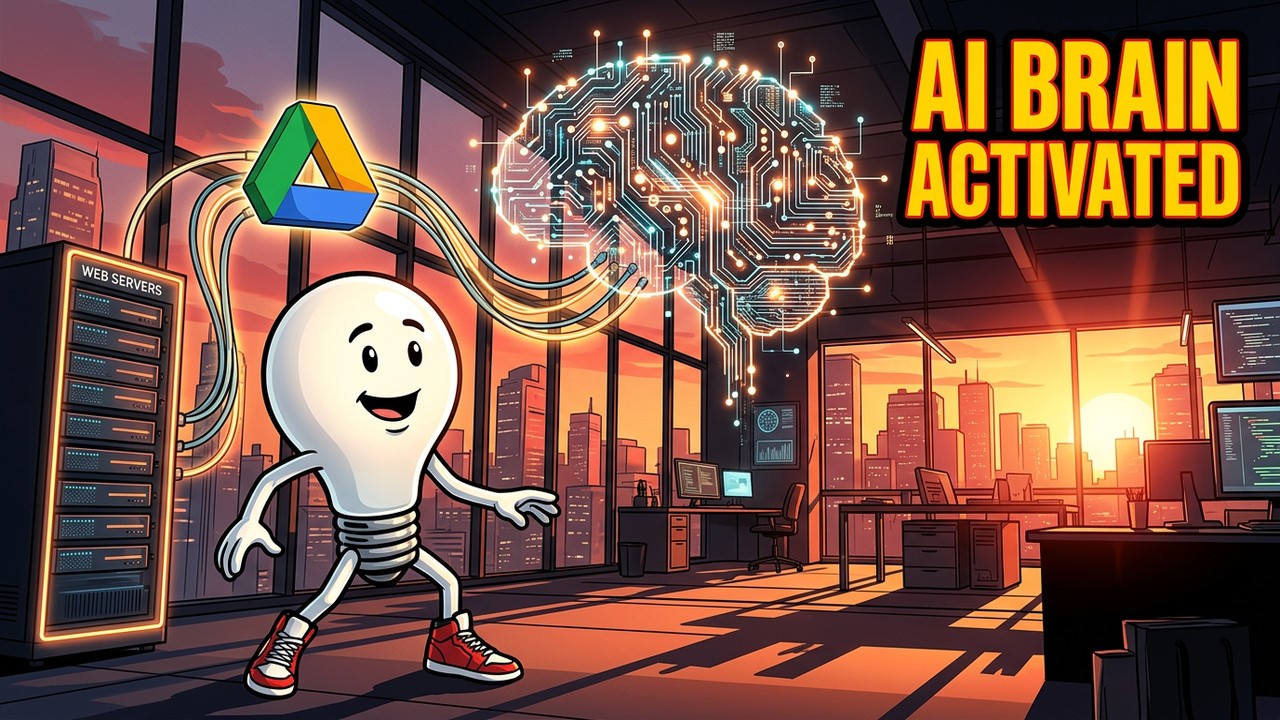
TL;DR: An artificial intelligence agent with only general internet knowledge is insufficient for complex agency workflows. To make our OpenClaw server truly autonomous, we had to connect it to our internal proprietary data. By coding a specific “Google Drive Skill” and establishing a strictly sandboxed read-only environment, we enabled the AI to parse dense PDF reports and client proposals without compromising our overall data security.
Your artificial intelligence agent might be an absolute genius at writing Python code or summarizing Wikipedia, but it is completely useless if it does not know what your company actually does.
In the previous chapters of the OpenClaw Diaries, we successfully pulled our local Mac Mini server out of the terminal and integrated it with Slack and WhatsApp. The team could finally communicate with the digital workforce from anywhere. However, we immediately hit a massive limitation.
Up until this point, our OpenClaw server only possessed general internet knowledge. If I tagged the Orchestrator agent in a Slack channel and asked it to reference a specific client proposal we sent out last month, it was completely blind.
To transition this local server from a generic chatbot into a proprietary Sandbox Media employee, we had to give it a brain. We had to connect it directly to our internal company data. Here is how we securely integrated our AI with Google Drive.
The Security Nightmare
Connecting an autonomous agent to your internal web servers and cloud storage is a high-stakes engineering task.
If giving the AI access to our 1Password vault in Episode 3 was terrifying, giving it global read access to our entire Google Drive was an absolute nightmare. You simply cannot grant a local AI server sweeping permissions across your proprietary data. A misconfigured script, a token memory error, or a hallucinating Claude API model could accidentally rewrite, move, or completely delete your agency’s accounting archives.
To mitigate this risk, I had to dive deep back into the OpenClaw configuration file. I had to build a highly specific “Google Drive Skill.”
Instead of granting global access, we built a strict digital sandbox. We created a designated “Drop Zone” folder within the Drive. The AI’s skill was hard-coded to only view and interact with documents placed inside that specific, isolated folder. Furthermore, we restricted its permissions to “Read-Only,” ensuring the agent could consume data but never alter the original files.
The Context Breakthrough
Once the permissions were locked down and the security sandbox was verified, it was time for the real test.
We took a dense, forty-page PDF client report—filled with charts, financial projections, and proprietary strategic data—and dropped it into the sandboxed Drive folder. I pulled out my phone, tagged the AI on WhatsApp, and typed a simple prompt: “Summarize the third-quarter financial projections from the new report.”
A few seconds later, the exact numbers popped up on my phone screen.
The AI did not just search the web. It accessed the internal Drive, read the proprietary document, understood the context of the dense formatting, and extracted the data perfectly.
The True Digital Employee
That was the moment the whole system truly clicked. The AI was no longer just an expensive parlor trick. It was a functioning member of the team capable of referencing our historical data to inform its future outputs.
However, this level of intense data processing creates a massive amount of digital junk. Parsing 40-page PDFs and managing an ongoing internal memory requires rigorous backend maintenance. If you do not actively clean the AI’s memory and log its actions, the server will eventually implode.
It was time to learn the unsexy side of AI maintenance: setting up automated Cron Jobs for the night shift.
Ready to bring AI into your agency? Learn how Sandbots can help →