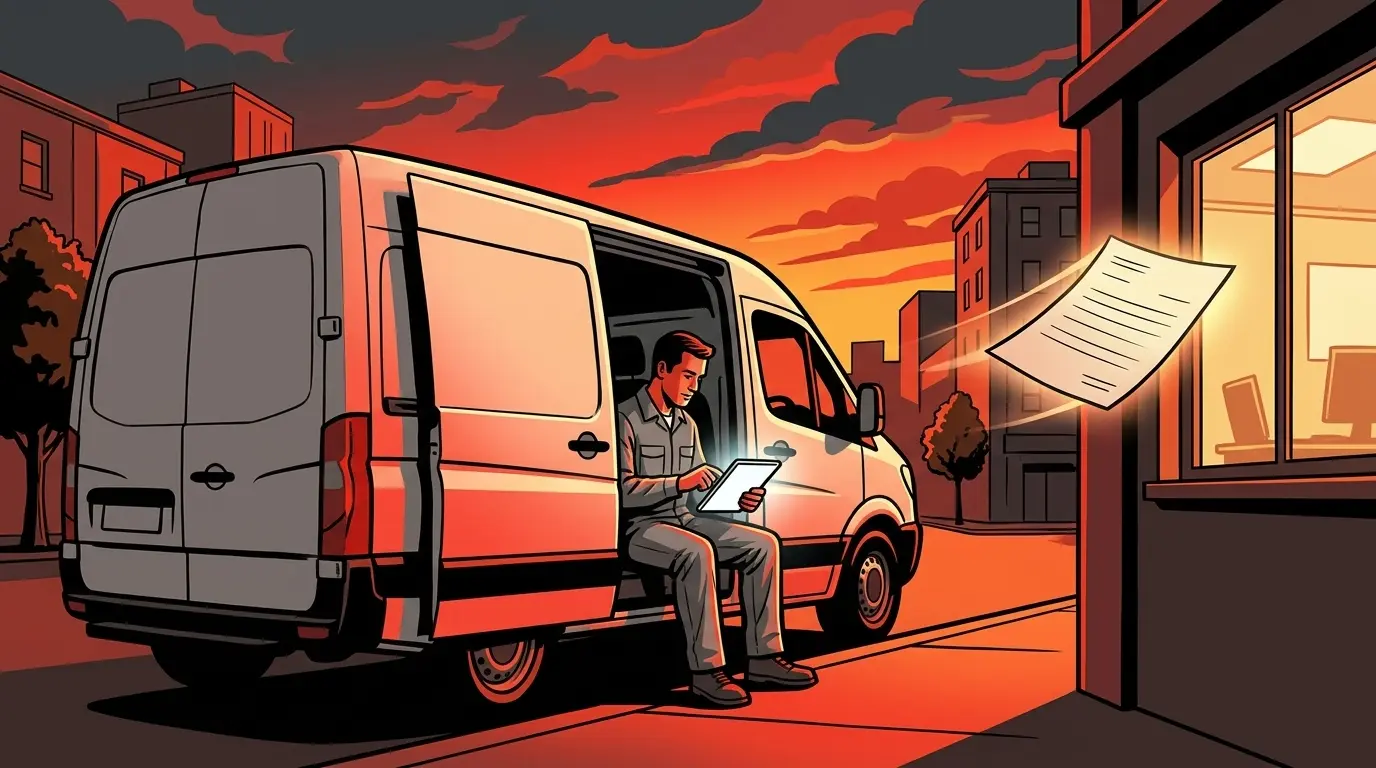
Yes, same-day quotes with AI are doable. One AI agent drafts the quote from the technician's site notes and your price list. A second agent checks it for missing items and price mismatches. The office lead reads it once and hits send.
The tech finishes the job on Tuesday. The customer gets the quote on Friday. By then, they may have already called someone else. That gap isn't a sales problem. It's a typing problem.
This is an illustrative example of how an HVAC shop could set it up, not a client result. Software named in this episode (ServiceTitan, Jobber, Housecall Pro) are examples of what HVAC and trades shops use. They aren't endorsements, and no integration with an AI agent is implied. Check what your own products support, and whether they are offered where you operate.
Key Takeaways
- Slow quotes are often a typing and checking problem, not a sales problem.
- Agent one drafts from the techs' notes and your price list.
- Agent two checks the draft against the notes and the list.
- The office lead keeps the judgement and sends the quote from the software she already uses.
- Your first move: count the days from site visit to quote for your last ten quotes.
How do same-day quotes with AI work?
Two jobs. Two agents. No overlap.
The first agent reads the technician's notes and drafts a quote from your price list. That's its whole job.
The second agent checks that every item in the notes made it into the quote and that each price matches the list. Something missing or off? It flags it.
Which software might an HVAC shop use for quotes?
Field service software such as ServiceTitan, Jobber or Housecall Pro. The table below describes two of them in each vendor's own words. Where we haven't confirmed an integration or API, the agents work from an export or from copied notes.
Who sends the quote?
The office lead does. She reads one finished, checked quote and sends it. That's what makes same-day turnaround possible.
Notice what didn't change: a person still hits send. The agents do the typing and the checking. She keeps the judgement.
Why use a second agent to check?
Checking is a separate job from drafting. A second agent looks at the draft fresh and flags gaps before a person reads it, even when the software itself can build or draft quotes.
Drafting isn't the gap. A separate second check is.
What should you measure first?
Count the days from site visit to quote sent for your last ten quotes. That gap is the first thing an agent can shorten.
Then ask two questions: who's typing, and who's checking?
Manual quoting vs two-agent quoting
| Step | Manual | Two-agent workflow |
|---|---|---|
| Read the tech's notes | Office lead | Agent one |
| Build the quote from the price list | Office lead | Agent one |
| Check items and prices | Office lead, if time allows | Agent two |
| Final read and send | Office lead | Office lead |
Example software and what the vendor says it does
| Example software | What the vendor says it does | Agent reads / writes |
|---|---|---|
| ServiceTitan | ServiceTitan says its HVAC software builds estimates and proposals in the field, through its mobile app, or in the office, connected to your pricebook. ServiceTitan's page | Reads: notes and pricebook export, if available to you. Writes: nothing. |
| Jobber | Jobber says its AI can draft detailed quotes based on your past HVAC jobs and request details, and that your team can quote, invoice and collect payments on the spot. Jobber's page | Reads: notes and price list export. Writes: nothing. |
Frequently Asked Questions
Does AI replace the office lead in this workflow?
No. The office lead reads the checked quote and sends it. The agents handle the typing and the checking.
Does this only work for HVAC?
No. Any business that turns notes into quotes, proposals or estimates can use the same draft-then-check pattern.
Does the agent plug straight into ServiceTitan, Jobber or Housecall Pro?
Not as a given. Some products offer an API or export, and some don't. We would check each one before building on it.
What do I need to start?
Your price list and a consistent way for your team to write notes. Then count how long your last ten quotes took.
Brains Bots and Business is where Sandeep shows you how to actually use AI to grow your company.
Sandbox Media is a marketing and AI agency in Milton, Ontario, serving businesses across the GTA and Canada.